
Database Size Monitor
Track, analyze, and optimize storage across multiple database technologies including PostgreSQL, MongoDB, MySQL, Elasticsearch, and Redis with unified visualization tools.
Database Size Monitor

A comprehensive toolkit for monitoring and analyzing database sizes across various database systems, helping you optimize storage, improve performance, and manage growth effectively.
Overview
Database storage management is a critical aspect of maintaining healthy database systems. As data volumes grow, understanding how storage is utilized becomes essential for:
- Cost optimization
- Performance tuning
- Capacity planning
- Identifying problematic growth patterns
This toolkit provides a collection of queries, scripts, and visualization tools that work across multiple database systems to give you a unified view of your data storage landscape.
Supported Database Systems
PostgreSQL
PostgreSQL offers detailed statistics about table and index sizes. Here's a query to get table sizes with external storage (indexes, TOAST):
SELECT CONCAT(schemaname, '.' ,relname)                                        AS "Table",
       pg_size_pretty(pg_total_relation_size(relid))                           AS "Size",
       pg_size_pretty(pg_total_relation_size(relid) - pg_relation_size(relid)) AS "External Size"
FROM pg_catalog.pg_statio_user_tables
ORDER BY pg_total_relation_size(relid) DESC;
For a more detailed breakdown including indexes:
SELECT
    t.schemaname || '.' || t.tablename AS table_name,
    pg_size_pretty(pg_table_size('"' || t.schemaname || '"."' || t.tablename || '"')) AS table_size,
    pg_size_pretty(pg_indexes_size('"' || t.schemaname || '"."' || t.tablename || '"')) AS index_size,
    pg_size_pretty(pg_total_relation_size('"' || t.schemaname || '"."' || t.tablename || '"')) AS total_size
FROM pg_tables t
WHERE t.schemaname NOT IN ('pg_catalog', 'information_schema')
ORDER BY pg_total_relation_size('"' || t.schemaname || '"."' || t.tablename || '"') DESC;
MongoDB
For MongoDB, you can analyze collection sizes with this script:
var collectionNames = db.getCollectionNames(), stats = [];
collectionNames.forEach(function (n) { stats.push(db[n].stats()); });
stats = stats.sort(function(a, b) { return b['size'] - a['size']; });
for (var c in stats) {
    print(stats[c]['ns'] + ": " + stats[c]['size'] + " (" + stats[c]['storageSize']/1024/1024/1024 + " GB)");
}
For a more comprehensive database analysis:
// Get database stats
db.stats();

// Get detailed collection stats with size in MB
db.getCollectionNames().forEach(function(collection) {
  const stats = db[collection].stats();
  const sizeInMB = stats.size / (1024 * 1024);
  const storageInMB = stats.storageSize / (1024 * 1024);
  print(`Collection: ${collection}`);
  print(`  Documents: ${stats.count}`);
  print(`  Size: ${sizeInMB.toFixed(2)} MB`);
  print(`  Storage: ${storageInMB.toFixed(2)} MB`);
  print(`  Avg Doc Size: ${stats.avgObjSize ? (stats.avgObjSize / 1024).toFixed(2) + ' KB' : 'N/A'}`);
  print('---');
});
MySQL/MariaDB
For MySQL and MariaDB, use this query to get table sizes:
SELECT
    table_schema AS 'Database',
    table_name AS 'Table',
    ROUND(((data_length + index_length) / 1024 / 1024), 2) AS 'Size (MB)',
    ROUND((data_length / 1024 / 1024), 2) AS 'Data Size (MB)',
    ROUND((index_length / 1024 / 1024), 2) AS 'Index Size (MB)'
FROM information_schema.TABLES
ORDER BY (data_length + index_length) DESC;
To get database sizes:
SELECT
    table_schema AS 'Database',
    ROUND(SUM(data_length + index_length) / 1024 / 1024, 2) AS 'Size (MB)'
FROM information_schema.TABLES
GROUP BY table_schema
ORDER BY SUM(data_length + index_length) DESC;
Elasticsearch/OpenSearch
For Elasticsearch or OpenSearch, you can use the following API calls:
# Get index sizes
curl -X GET "localhost:9200/_cat/indices?v&h=index,store.size&s=store.size:desc"

# Get more detailed index stats
curl -X GET "localhost:9200/_stats?pretty"

# Get shard sizes
curl -X GET "localhost:9200/_cat/shards?v&h=index,shard,store,docs.count&s=store:desc"
For a more detailed analysis using Python:
import requests
import json

# Get index sizes
response = requests.get('http://localhost:9200/_cat/indices?format=json&h=index,store.size,docs.count')
indices = response.json()

# Sort by size
indices.sort(key=lambda x: int(x['store.size'].replace('b', '')), reverse=True)

# Print results
for index in indices:
    print(f"Index: {index['index']}")
    print(f"  Size: {index['store.size']}")
    print(f"  Documents: {index['docs.count']}")
    print("---")
Redis
For Redis, you can use the following commands:
# Get database size info
redis-cli INFO memory

# Get size of specific keys (careful with large databases)
redis-cli --bigkeys

# Get memory usage of a specific key
redis-cli MEMORY USAGE mykey
Dashboard Application
The project includes a modern web-based dashboard application built with Flask and Chart.js that provides real-time visualization of database size metrics across all supported systems.
Features
- Unified Interface: Monitor all database systems from a single dashboard
- Interactive Charts: Visualize size distributions, trends, and comparisons
- Detailed Tables: View comprehensive statistics for tables, collections, and indices
- Configuration UI: Easy setup of database connections through the web interface
- Responsive Design: Works on desktop and mobile devices
Installation
# Install dependencies
cd database-size-monitor/dashboard
pip install -r requirements.txt

# Configure database connections in config.json

# Run the application
python app.py
Access the dashboard at http://localhost:8080
Visualization Tools
In addition to the included dashboard, the toolkit provides scripts to generate visualizations of database growth over time:
- Bar charts for comparing table/collection sizes
- Line charts for tracking growth trends
- Treemaps for hierarchical size visualization
- Heatmaps for identifying hotspots
Implementation
The implementation consists of:
- A collection of database-specific queries and scripts
- A scheduler for periodic size monitoring
- A storage mechanism for historical size data
- Visualization dashboards for trend analysis
- Alerting capabilities for unexpected growth
Benefits
- Cost Optimization: Identify opportunities to reduce storage costs
- Performance Improvement: Locate bloated tables/collections that may benefit from optimization
- Capacity Planning: Forecast future storage needs based on growth trends
- Problem Detection: Quickly identify abnormal growth patterns
Getting Started
-
Clone the repository:
git clone https://github.com/Raspiska-Ltd/database-size-monitor.git cd database-size-monitor -
Configure database connections in
dashboard/config.json -
Install dependencies:
cd dashboard pip install -r requirements.txt -
Start the dashboard:
python app.py -
Access the dashboard at
http://localhost:8080
Conclusion
Effective database size monitoring is essential for maintaining healthy, performant database systems. This toolkit simplifies the process across multiple database technologies, providing a unified view of your data storage landscape.
Technologies Used
Frontend
Backend
Database
Other
Related Projects
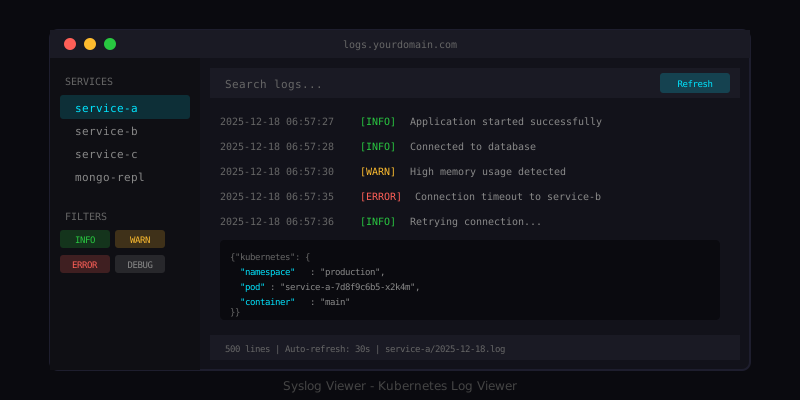
Syslog Viewer for Kubernetes Logs
A lightweight web-based log viewer for Kubernetes container logs with filtering and real-time updates.
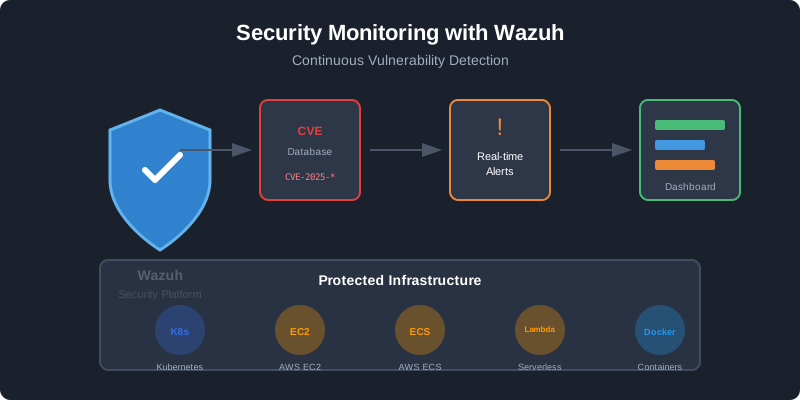
React Security Vulnerability: Why You Need Wazuh
How a React dependency vulnerability exposed millions of applications and why continuous security monitoring with Wazuh is essential.
Have a project in mind?
Let's work together to bring your ideas to life. Our team of experts is ready to help you build something amazing.